-
mSalesApp wins the National Innovation of the Year Award 2023!


-
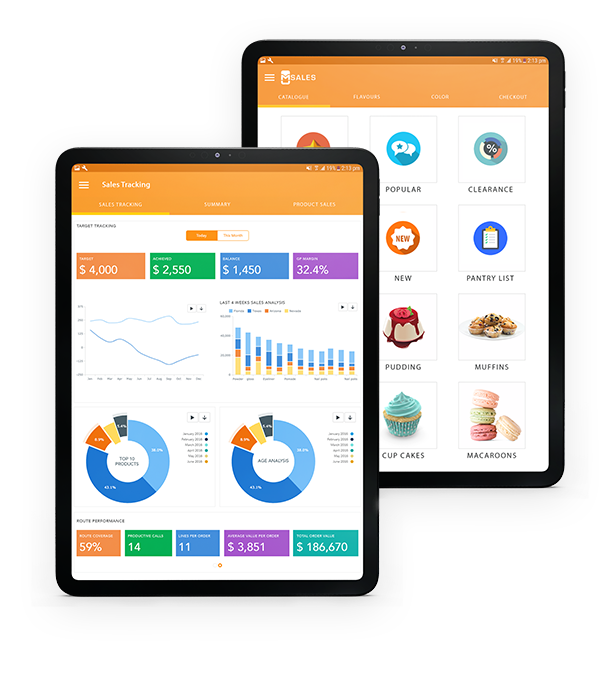
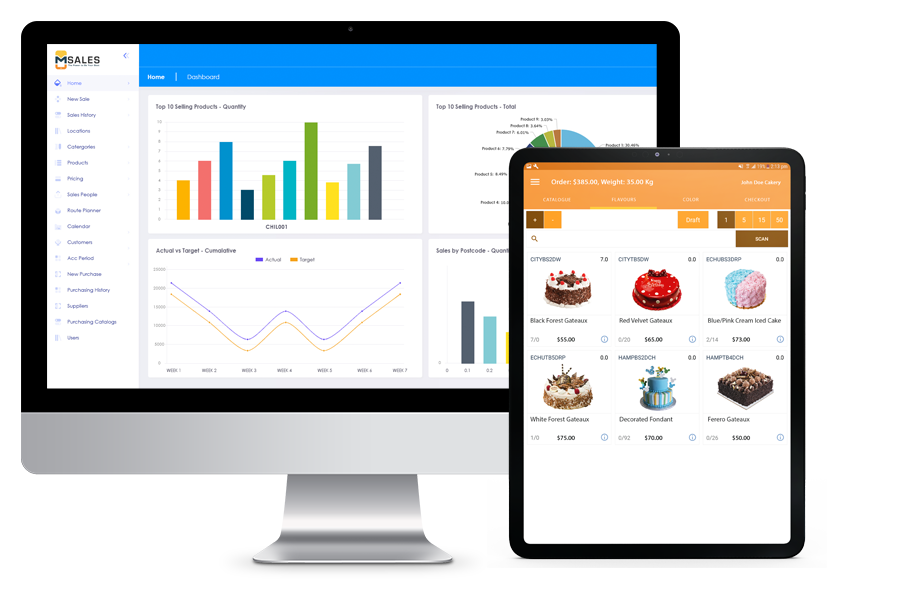
Empowers your sales team to sell more, better and fasterDrive more sales with mSalesApp.
-
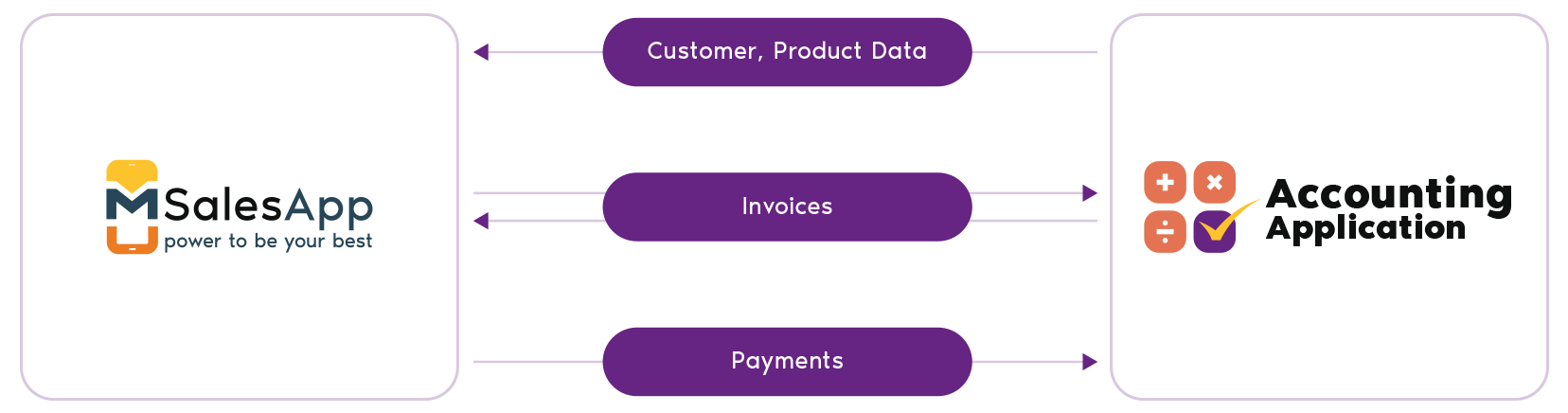
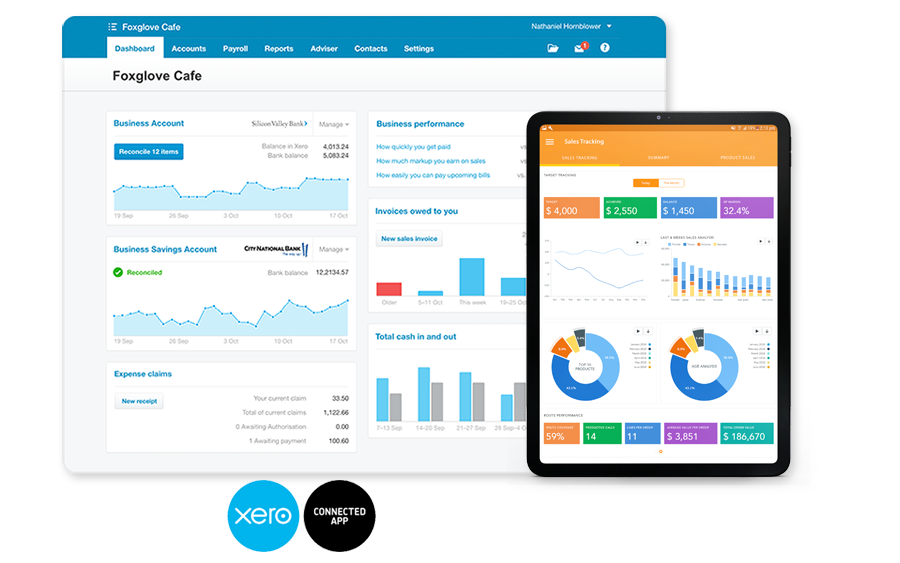
Use mSalesApp + Xero to Manage your Field Sales operation in the cloudEmpower your sales team to drive more profits by providing them with mSalesApp.
-
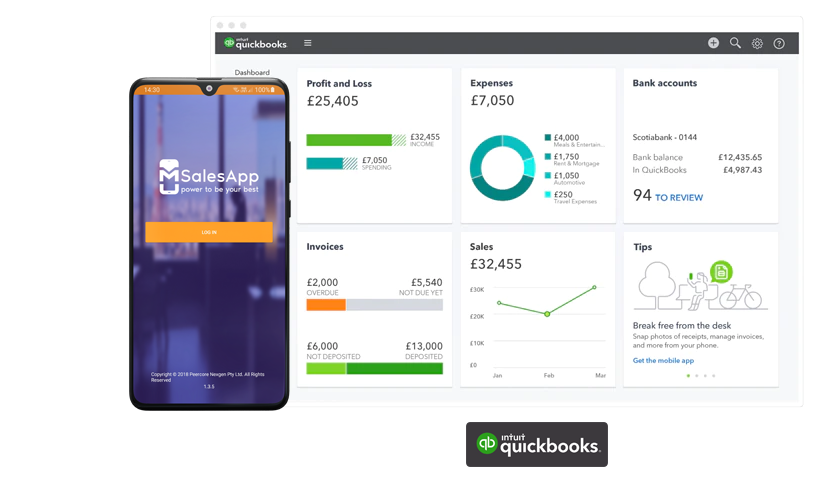
Use mSalesApp + Quickbooks to manage your entire sales team in one place and minimize data entry.Empower your sales team to drive more profits by proving them with mSalesApp!
-
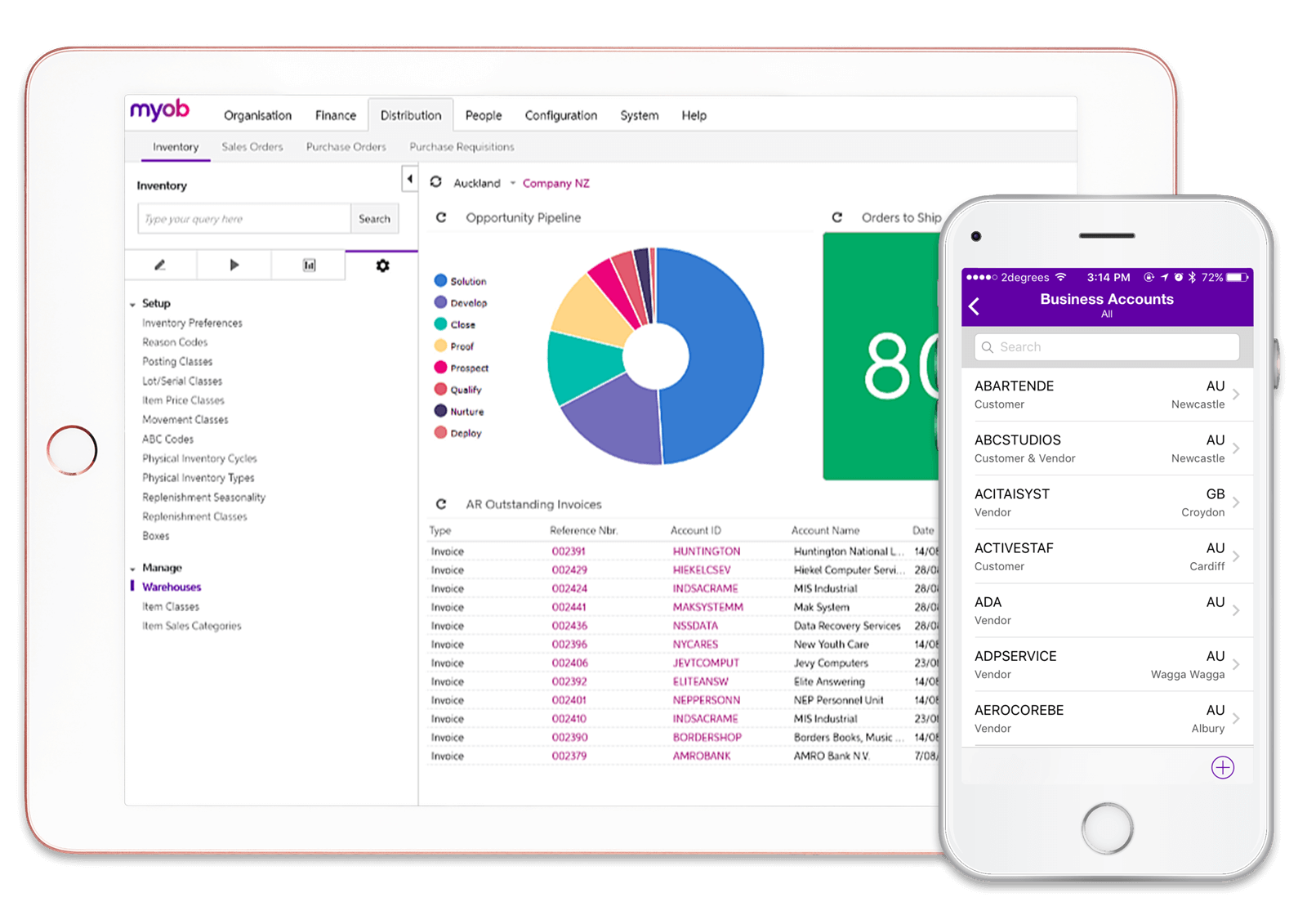
Integration with MYOB is now available for mSalesApp usersJust plug and play and connect all your information.


Why mSalesApp

Fast Order Taking
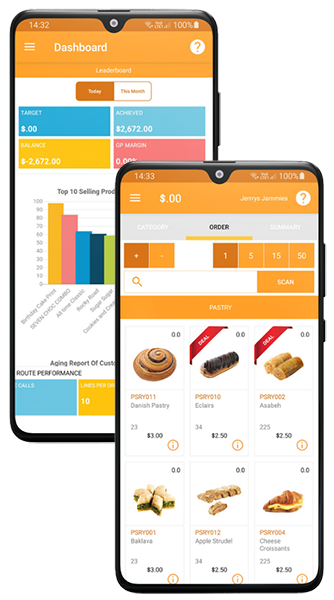
Manage returns, replenish stocks and take orders using super-fast tap-feature, purchase history, and barcode scan facility.

Mobile CRM
Manage leads and get a 360° view of your customers including order history, invoices, payments, returns and more, to make on-field decisions.

Global Ready
We help you localise, company theme, currency, tax configurations, units of measure, and more to ensure the app is ready for your market.

Custom Pricing
Create multiple pricing groups, customer specific pricing, tailor catalogs, discounts and group or customer specific promotions.

Promotions & Discounts
Setup different types of promotions using the flexible promo-engine to increase your order size and improve cross-selling and upselling.

Speed Order-to-Cash
Effective management of route planning, customer order cycles, delivery schedules, payment collections to improve cashflow.